
Your Journey to the Perfect OS Starts Here
The Linux landscape is vast and diverse. Instead of scrolling through endless lists, we’ve organized the best distributions into clear segments based on how you actually use your computer.
New to Linux? If you’re coming from Windows and want something that feels immediately familiar, Zorin OS is our top pick for beginners. You can also compare Zorin OS vs Ubuntu head-to-head or read about the top 3 distros even your grandparents can use.
Which Distro is Right for You?
Answer 3 quick questions to find the ideal Linux distribution for your workflow and style.
Choose your path below and discover the OS that feels like it was built just for you.
For Productivity & Office
You need an OS that stays out of your way and helps you get work done. These distros are stable, beautiful, and familiar.

Zorin OS
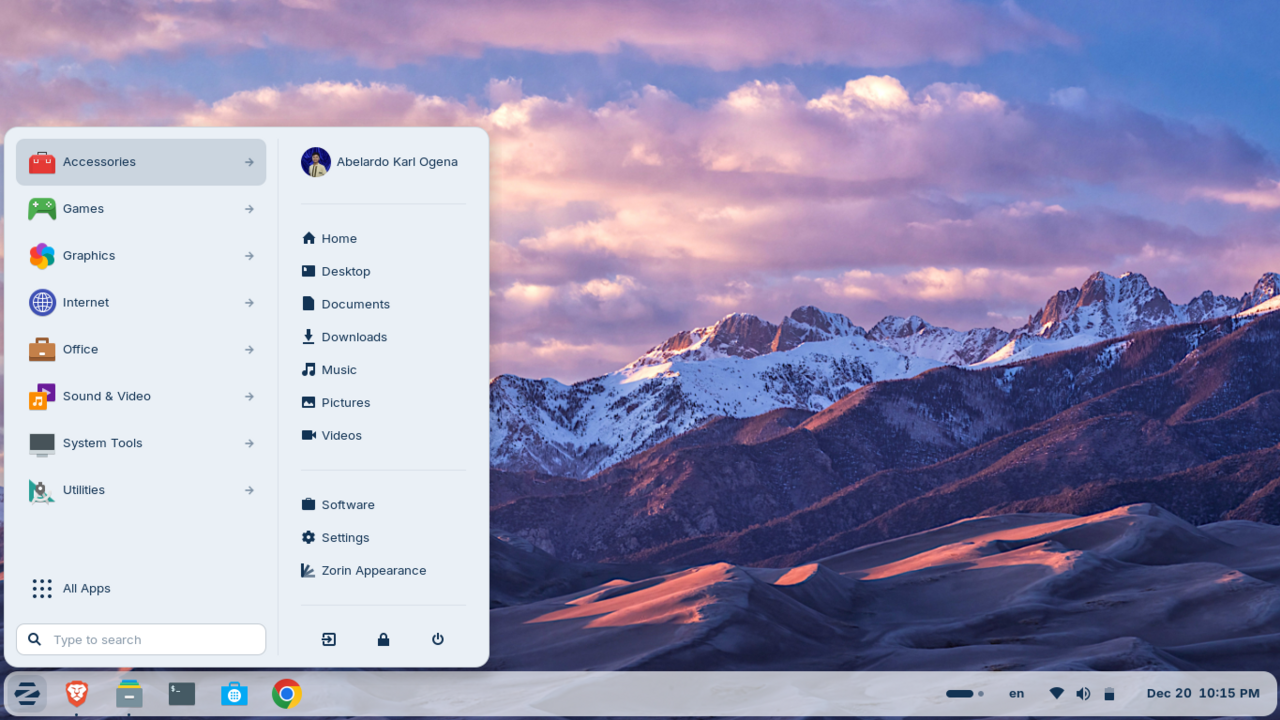
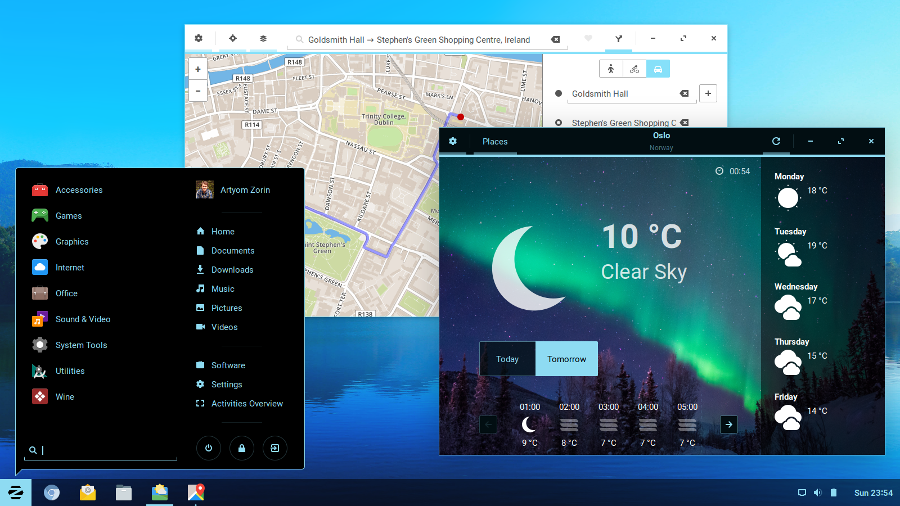
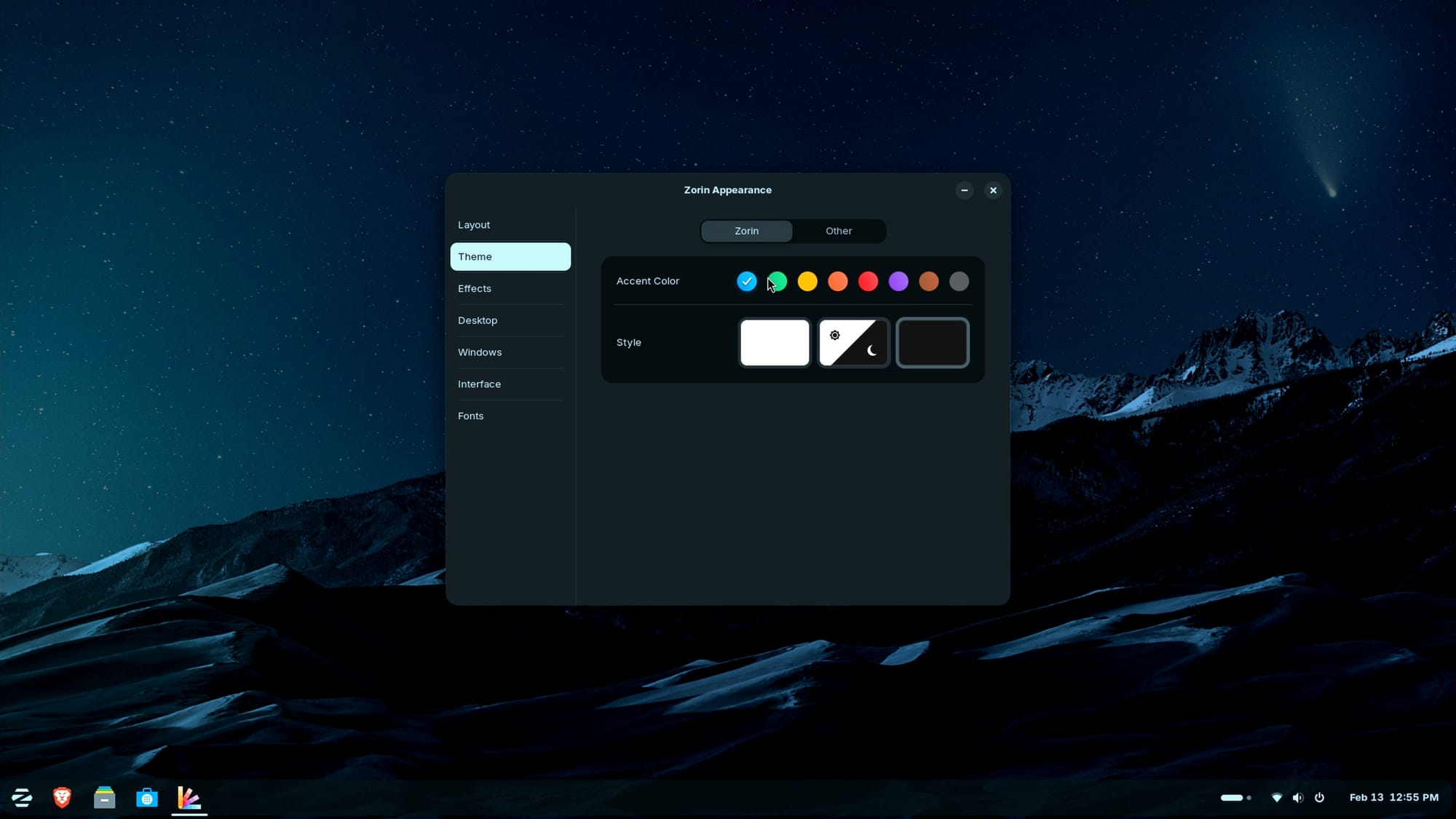
Zorin OS is the premier choice for those transitioning from Windows or macOS, offering a refined interface that feels immediately familiar. Built on the stable Ubuntu base, it includes the Zorin Look Changer for instant layout customization and Zorin Connect for seamless Android integration. It's a 'set it and forget it' OS that prioritizes user experience, making it ideal for professional environments where reliability and aesthetics are paramount.
Advantages
- Familiar Windows/macOS-like layouts
- Extremely polished and premium feel
- Great performance on older hardware
- Seamless Lite version for ancient PCs
Considerations
- Pro version with extra layouts costs money
- Slightly slower update cycle for stability
Ubuntu
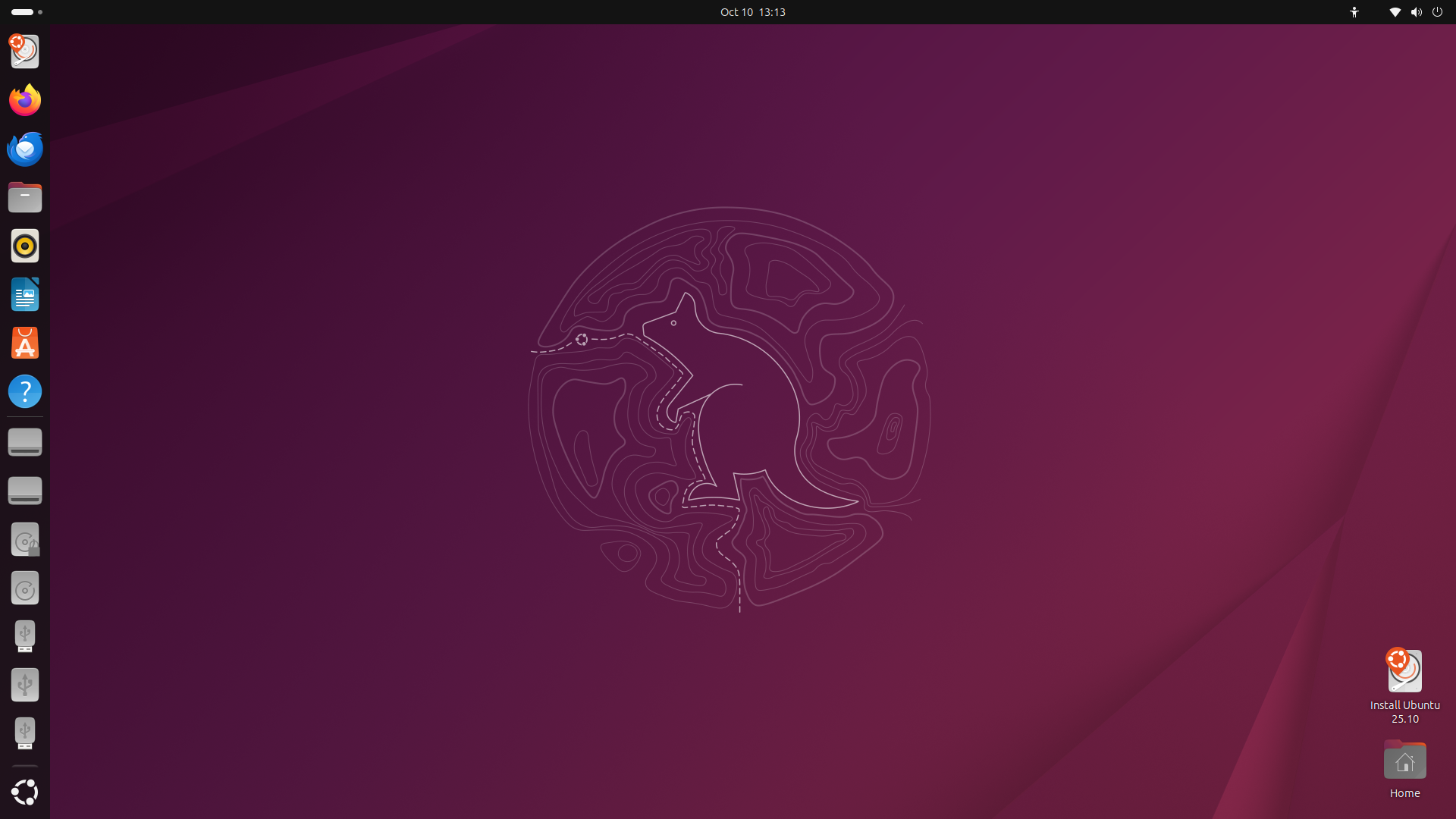
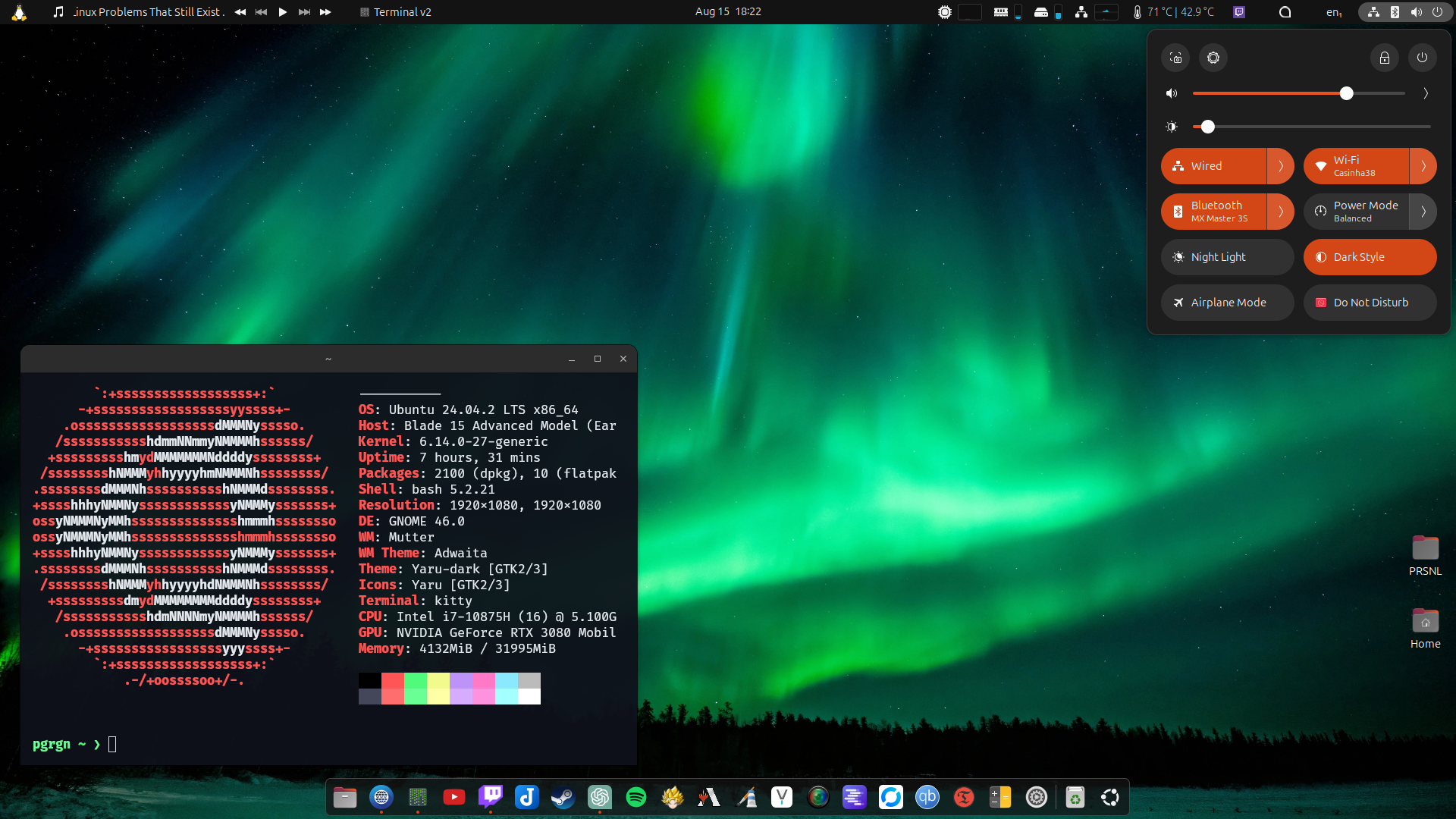
Ubuntu sets the benchmark for stability and community support in the Linux ecosystem. Built on a robust Debian foundation, it offers a polished GNOME desktop experience with a strong focus on security and accessibility. Its Long Term Support (LTS) releases ensure five years of updates, making it a reliable choice for both enterprise and personal use.
Advantages
- Industry-leading software support
- Extremely stable Long Term Support (LTS)
- Massive community and professional documentation
- Great for first-time Linux users
Considerations
- GNOME desktop can be resource-heavy
- Snap packages are controversial for some

Linux Mint
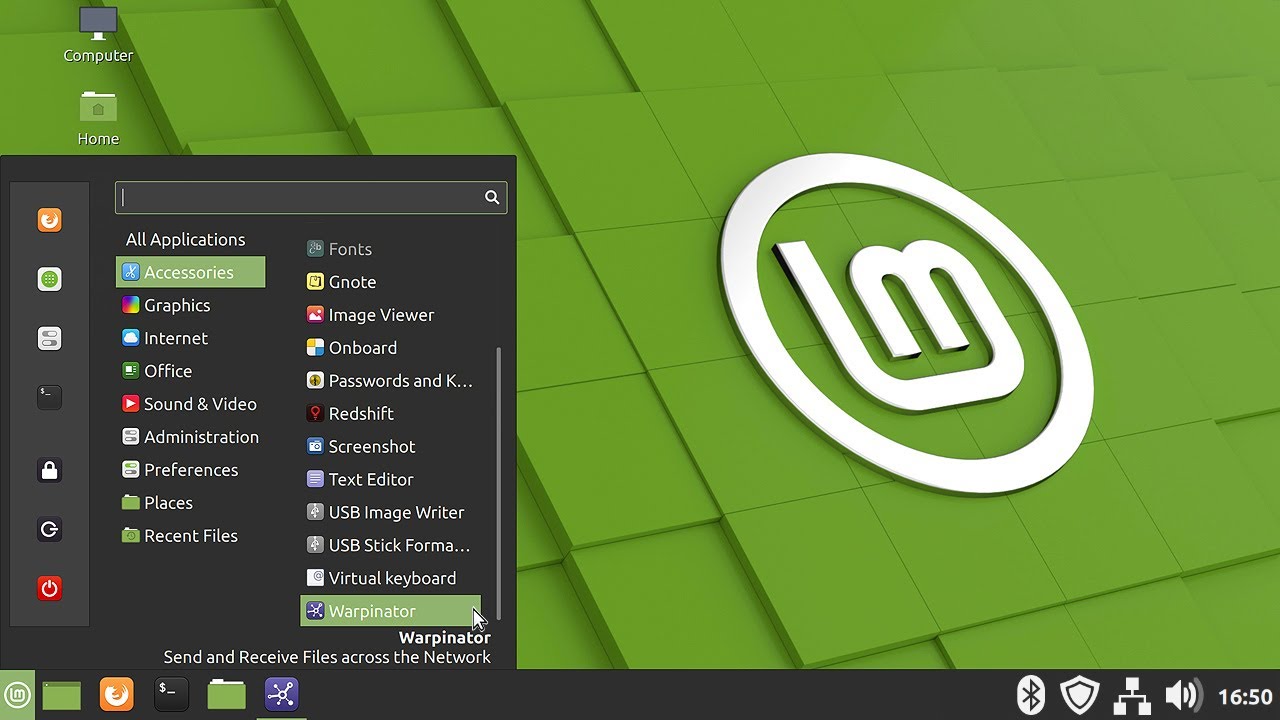
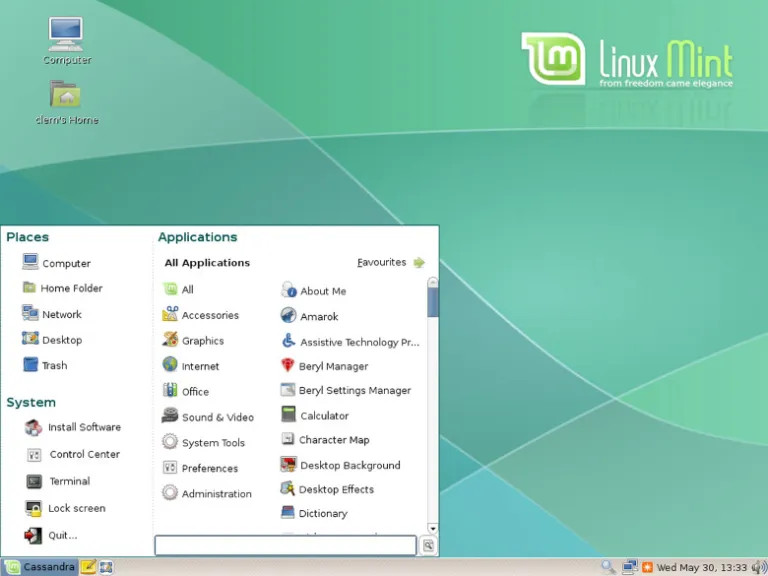
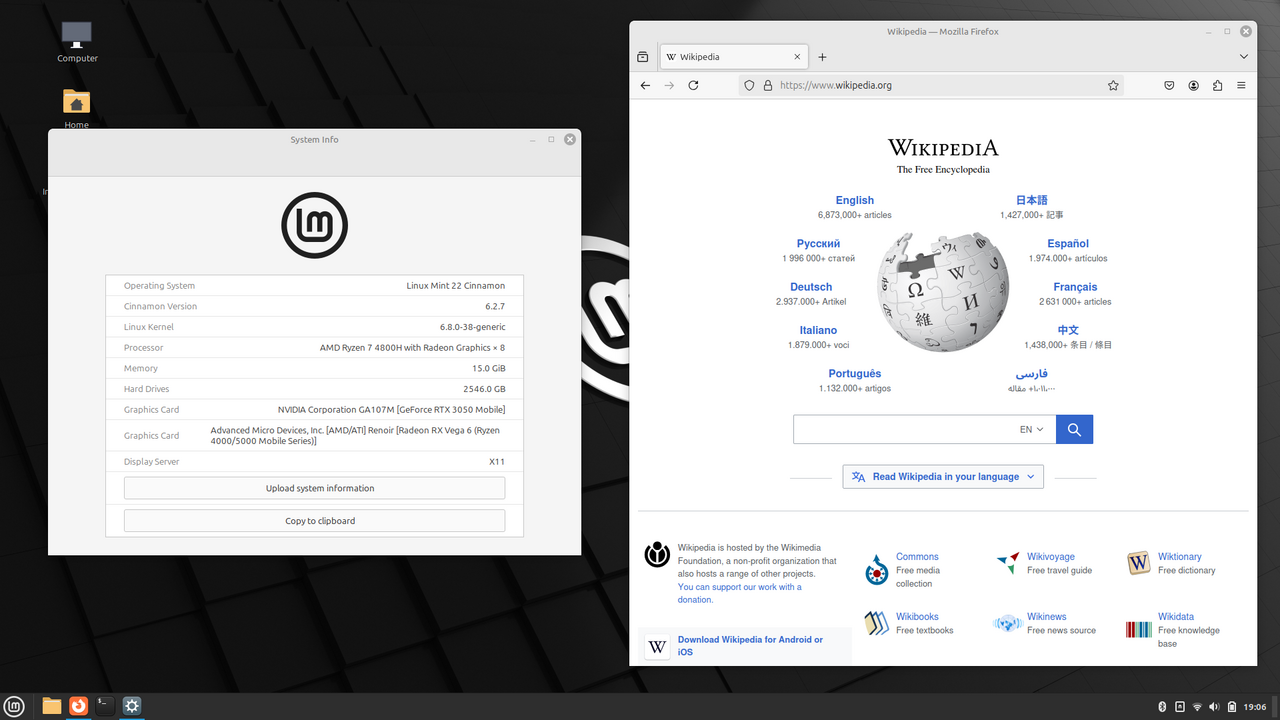
Linux Mint is the champion of simplicity and reliability. It offers a classic desktop experience that feels instantly familiar to anyone transitioning from Windows, thanks to its flagship Cinnamon desktop environment. Renowned for its 'out-of-the-box' readiness, Mint includes a suite of custom tools that make system maintenance and software installation effortless. By prioritizing user choice and stability over bleeding-edge features, it has earned its place as one of the most trusted distributions for daily productivity.
Advantages
- Ultra-lightweight and fast
- Cinnamon desktop is highly customizable
- Excellent 'out of the box' experience
- Focus on user privacy and stability
Considerations
- Visuals can feel slightly 'dated' compared to Zorin
- Lacks some of the modern animations of GNOME
For Elite Gaming
Gaming on Linux has reached a golden age. These distributions provide the best drivers, performance tweaks, and compatibility layer for your library.
SteamOS
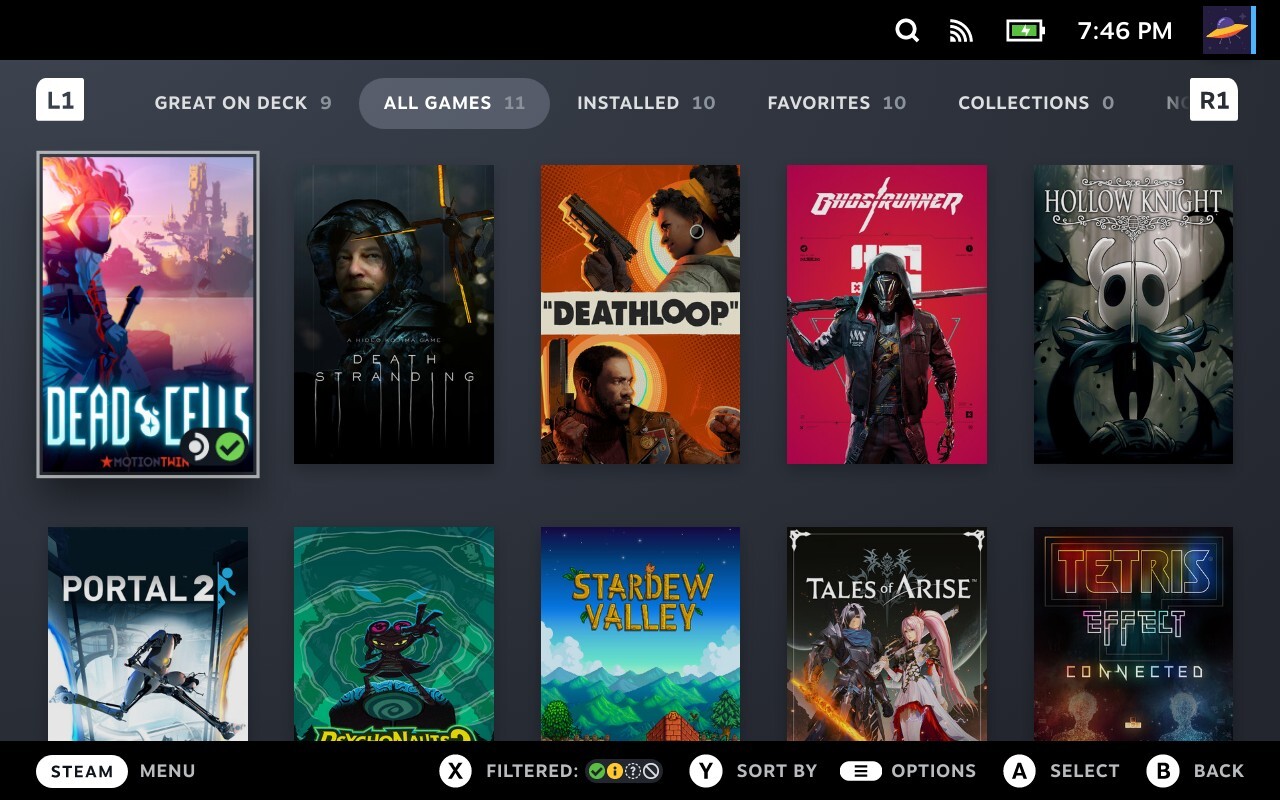
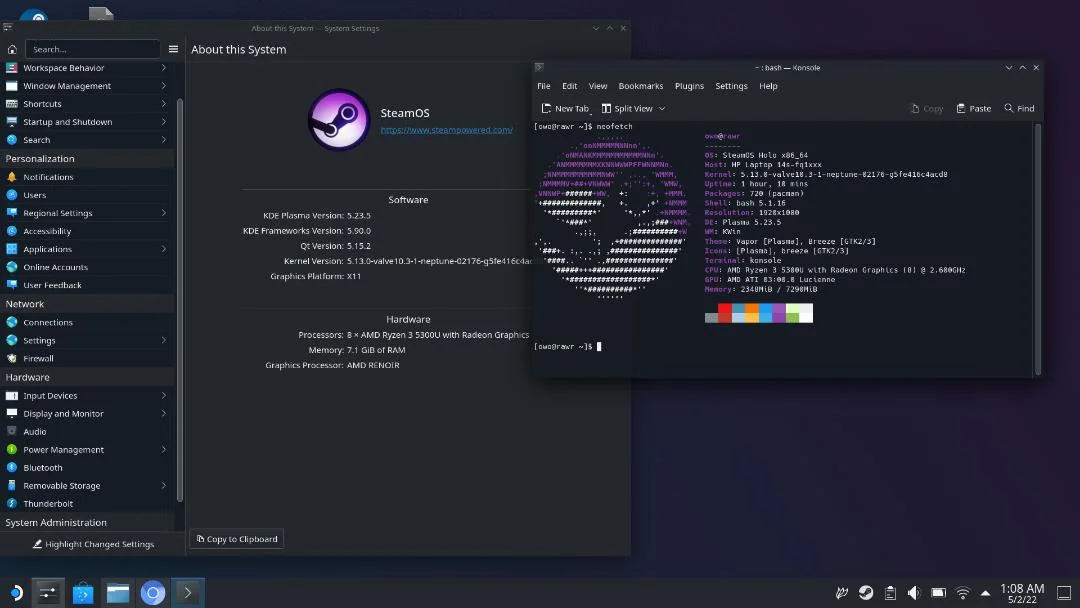
SteamOS revolutionized handheld gaming by bringing a console-like experience to the PC, while Nobara—maintained by the legendary GloriousEggroll—refines Fedora specifically for desktop gamers. These distributions come pre-loaded with essential patches for Wine and Proton, specialized Zen kernels for lower latency, and the latest graphics drivers. Whether you're docking a Steam Deck or pushing a high-end RTX rig, these systems eliminate the 'Linux gaming tax,' offering performance that often rivals or exceeds Windows in modern titles.
Advantages
- Best-in-class gaming performance
- Pre-installed NVIDIA/AMD drivers
- Optimized for Steam and Proton
- Custom kernels for low latency
Considerations
- Can be less stable for general office work
- SteamOS desktop mode has some quirks

Pop!_OS
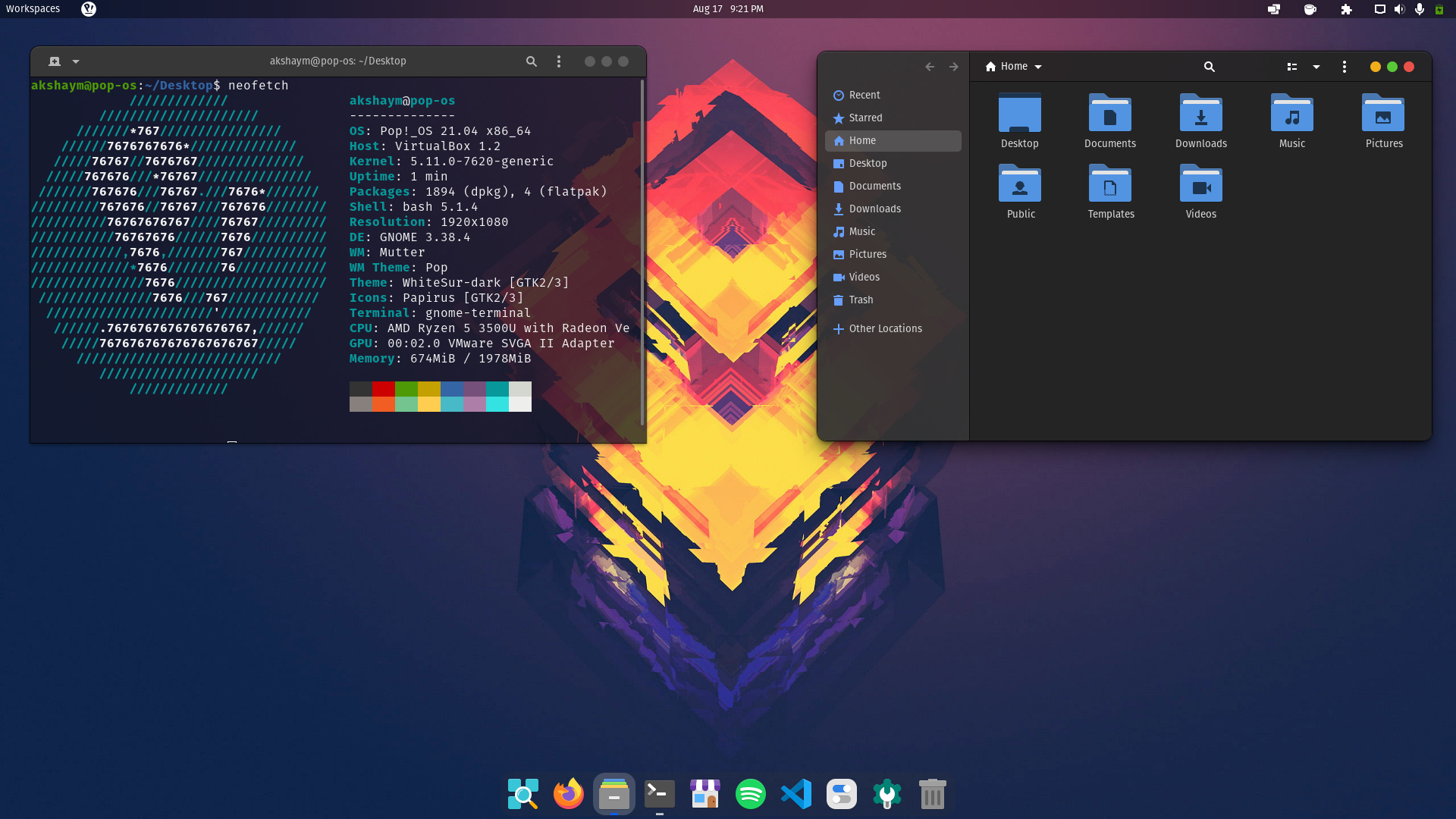
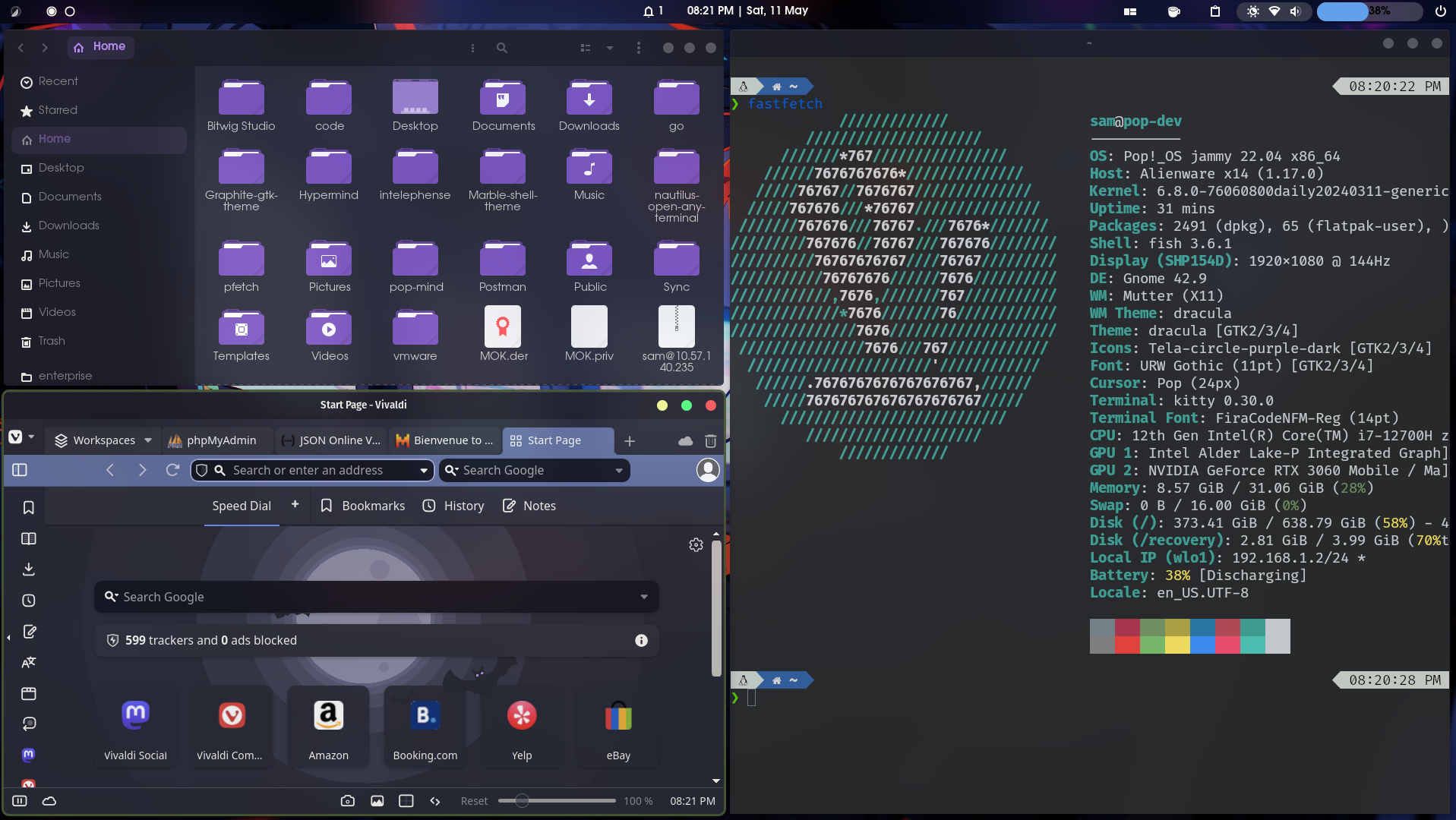
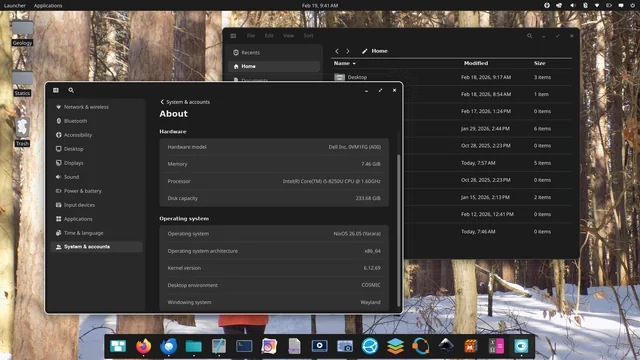
Pop!_OS, developed by System76, is a powerhouse for users who demand a seamless blend of gaming performance and developer-centric productivity. It stands out with its unique 'Auto-Tiling' feature, which automatically organizes your windows into a grid, drastically reducing the time spent managing your workspace. For gamers, it offers a dedicated NVIDIA ISO that includes pre-configured drivers, ensuring a hassle-free setup for high-end GPUs. With its focus on power management and the upcoming Rust-based COSMIC desktop environment, Pop!_OS provides a modern, fast, and highly efficient workflow that feels tailor-made for high-performance hardware.
Advantages
- Superior NVIDIA driver integration
- COSMIC auto-tiling for productivity
- Excellent thermal and power management
- Very responsive and modern feel
Considerations
- Tiling workflow has a learning curve
- Can be battery-hungry on some laptops
For Developers & Tinkerers
You want control, the latest packages, and a system that adapts to your workflow. These distros are built by experts, for experts.
Arch Linux
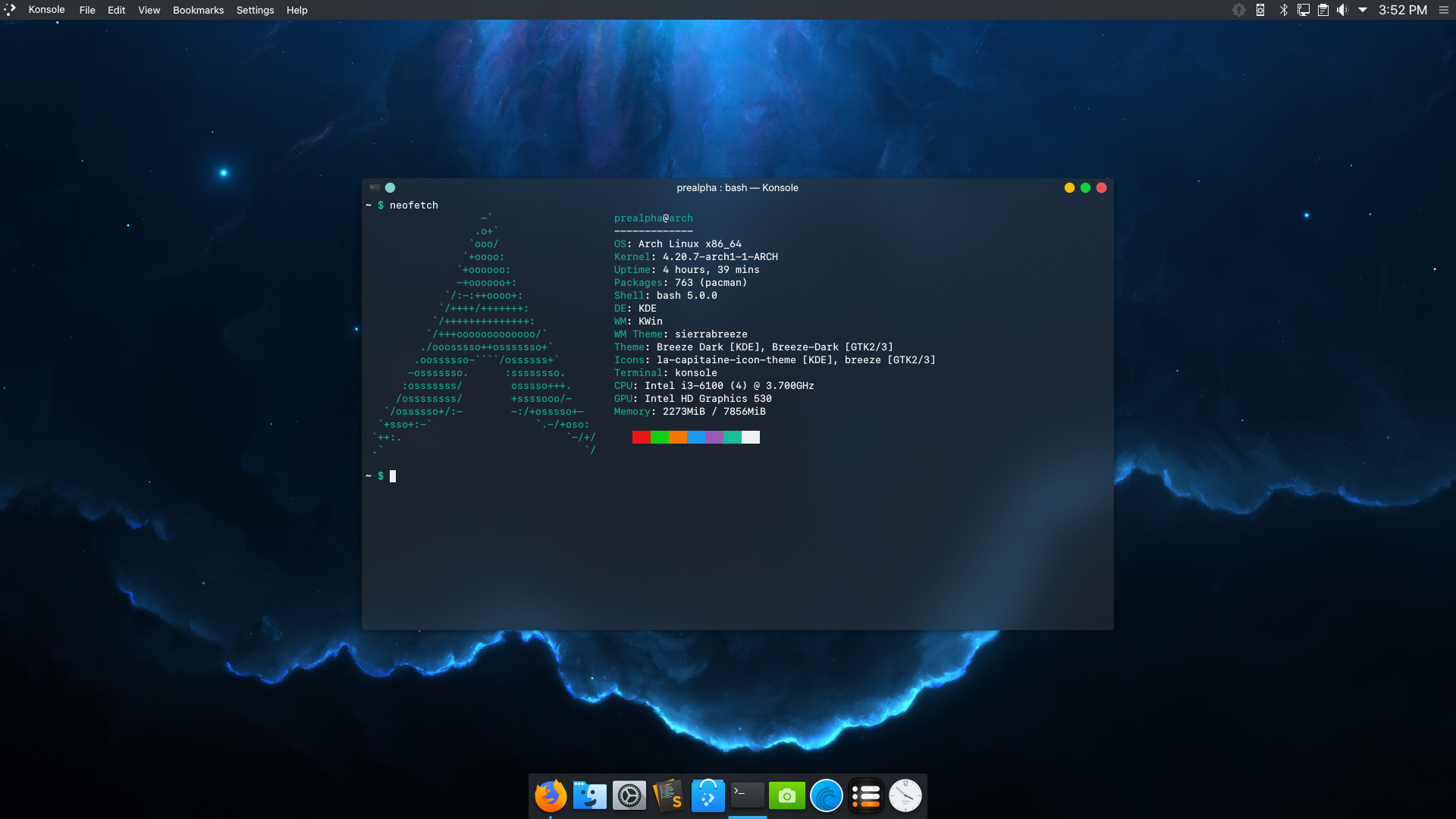
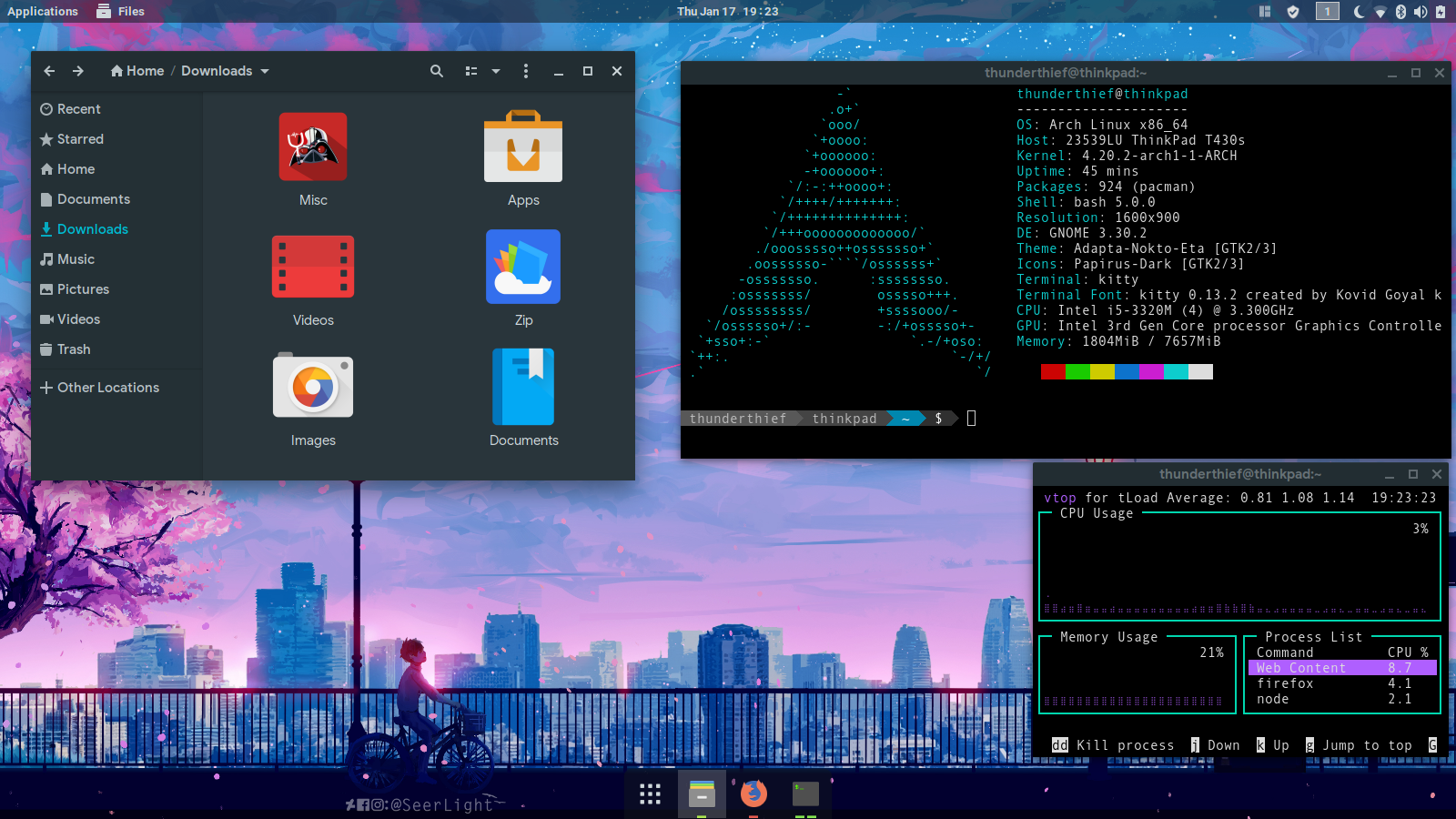
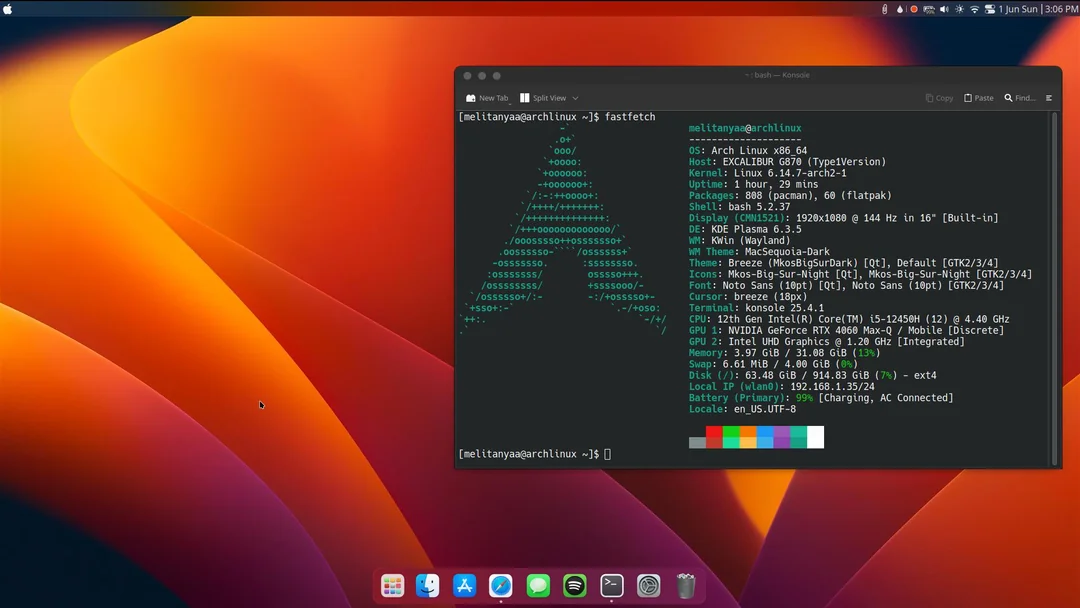
Arch Linux is the definitive choice for users who want complete control over their operating system. Following a 'Do It Yourself' philosophy, it provides a minimal base that you build into a custom environment tailored to your exact needs. Its rolling-release model ensures you're always on the bleeding edge of software, while the Arch User Repository (AUR) offers access to virtually every Linux package in existence. While it requires a manual installation process that serves as a rite of passage for many, the reward is a lean, lightning-fast system and a deep understanding of how Linux actually works.
Advantages
- Rolling release model (always up-to-date)
- The Arch User Repository (AUR) is unmatched
- Minimalist base - you only install what you need
- Best-in-class documentation (Arch Wiki)
Considerations
- Manual installation and steep learning curve
- Updates can sometimes require manual intervention

Fedora Workstation
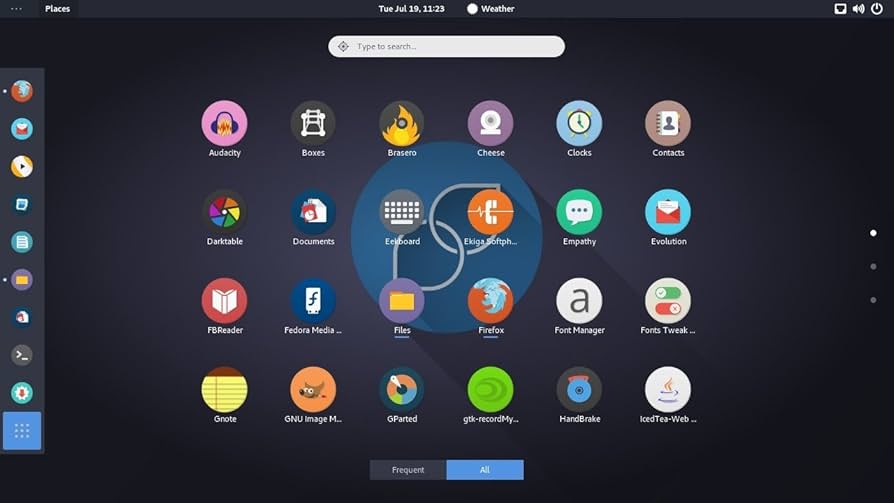
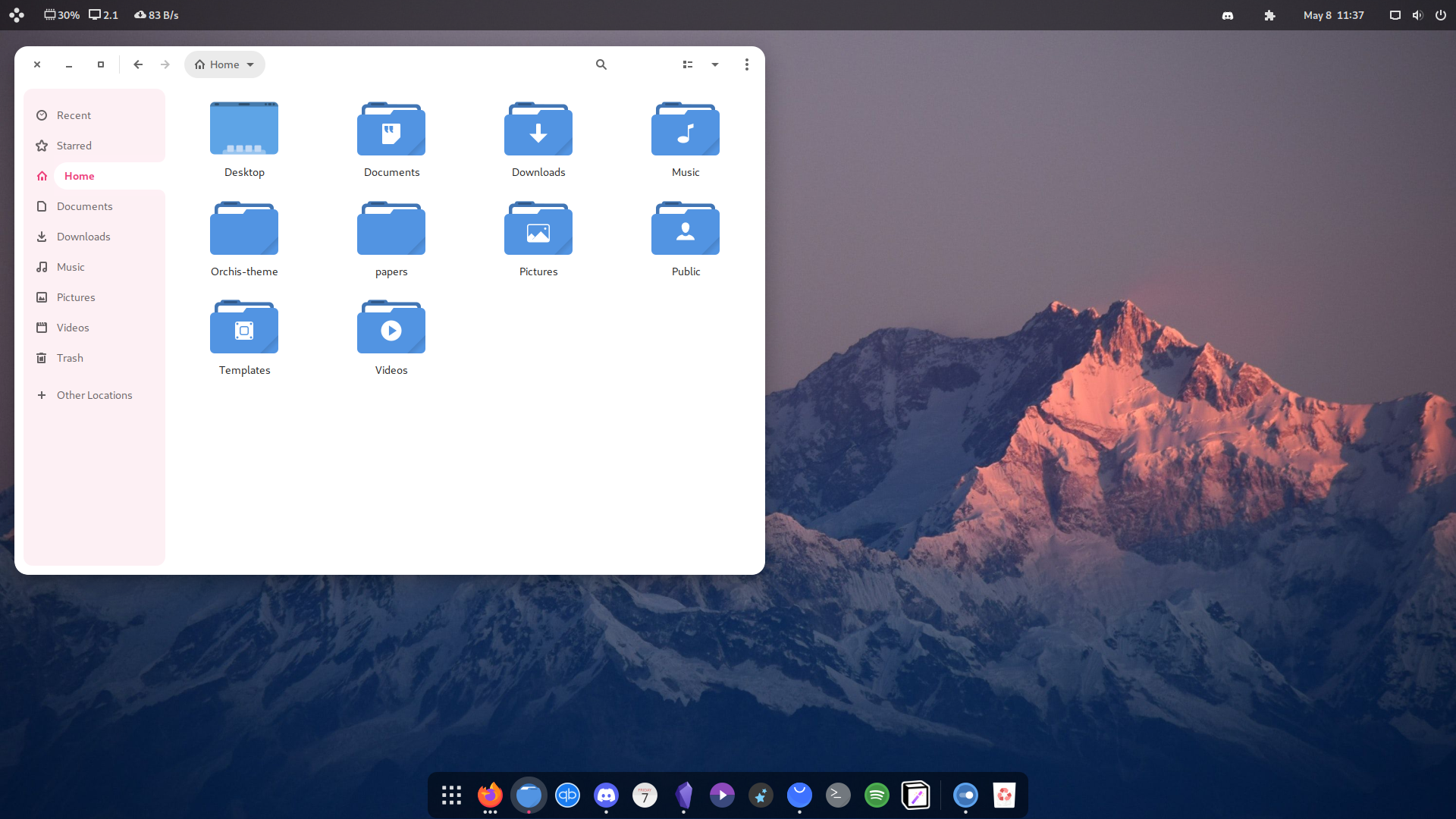
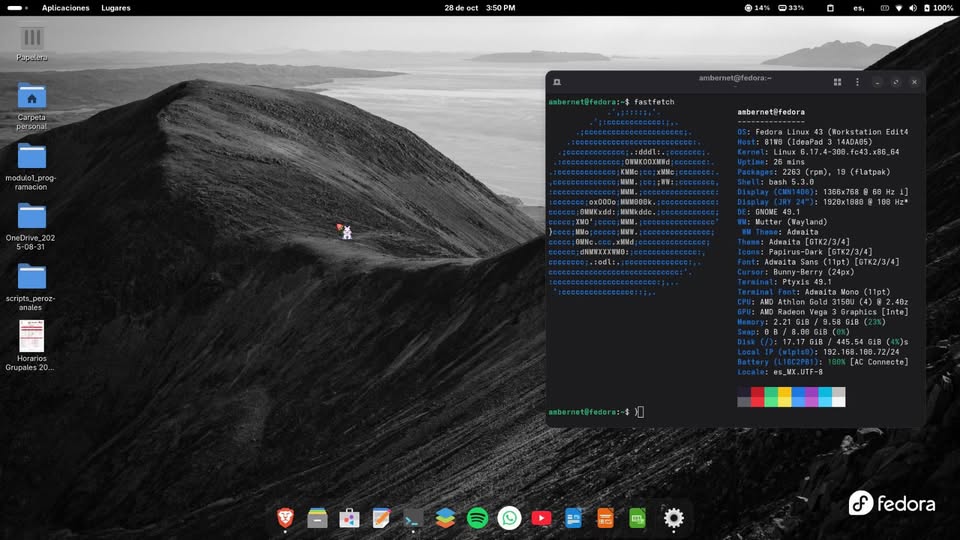
Fedora Workstation is the flagship distribution of the Fedora Project, serving as a showcase for the latest advancements in the Linux ecosystem. Backed by Red Hat, it offers a pure, cutting-edge GNOME desktop experience that is often the first to integrate new technologies. With a rapid release cycle of approximately six months, Fedora ensures developers and enthusiasts have immediate access to the latest software, kernels, and development tools. Its robust security features, including SELinux integration and container-focused technologies like Podman, make it a favorite for those building the next generation of applications.
Advantages
- Absolute latest software packages
- Purest GNOME implementation available
- Excellent for modern development stacks
- Backed by Red Hat expertise
Considerations
- Short release cycle (every 6 months)
- Proprietary drivers require extra setup
Which one will you choose?
Linux is all about freedom. The best part is that you can try most of these via a Live USB without touching your current files.
Happy Distro-Hopping!