
Firefox Nova: The Future of Browsing is Almost Here
Mozilla's Firefox Nova overhaul is coming. Here's what's changing in the UI, performance, and features — and why it matters for Zorin OS users.
Apps 4 min read

Windows 10 support ended October 2025
Zorin OS is the Linux that doesn't feel like Linux — and this site is the plain-English guide to switching without losing your files.
25 guides · Updated for Zorin OS 18.1 · Free, no signup

Windows 10
Support ended
14 October 2025. No more security updates.
Current release
Zorin OS 18.1
Ubuntu 24.04 LTS base · updates until 2029
New to Zorin OS? Do these three things in order.
Zorin OS is a free Linux-based operating system that looks and works like Windows. Here's what it is, who it's for, and why so many people are switching to it.
Read the guide →Zorin OS runs on PCs as old as 15 years. Check the exact system requirements and find out in 2 minutes if your old Windows 10 computer can run it.
Read the guide →Install and set up Zorin OS step-by-step — from creating a bootable USB to your first login. Beginner-friendly, no technical experience needed.
Read the guide →Zorin OS can cut software costs, boost security, and run on older hardware. Here's how entrepreneurs and small businesses can leverage it for growth.

Get comfortable with the Zorin OS interface fast. Learn how its Windows-like layout helps beginners and business users stay productive from day one.
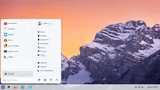
Zorin OS 2026 review: design, performance, app compatibility, and who it's best for. Is it the best free Windows replacement available right now?
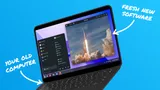
Keep your files, skip the learning curve.

Switch from Windows 10 to Zorin OS safely — step-by-step guide to backing up files, creating a bootable USB, installing Zorin OS, and restoring everything.
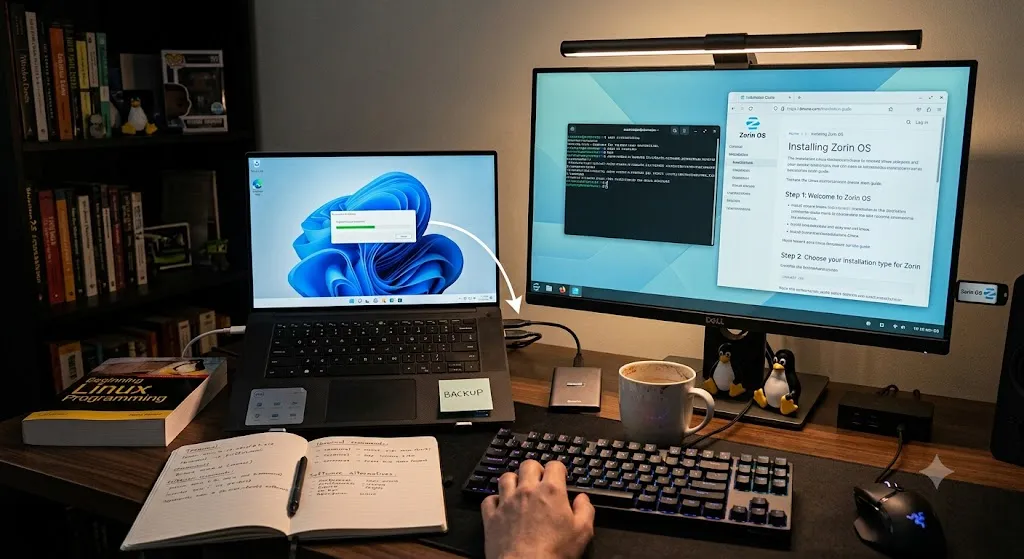
Switch from Windows 11 to Zorin OS easily. Full-replace steps to keep your files and leave Copilot, Recall, and ads behind. No Linux experience needed.
Windows 10 support is over. Zorin OS gives small businesses a secure, low-cost alternative — familiar interface, Office-compatible apps, and zero licensing fees.
Everything else, newest first.
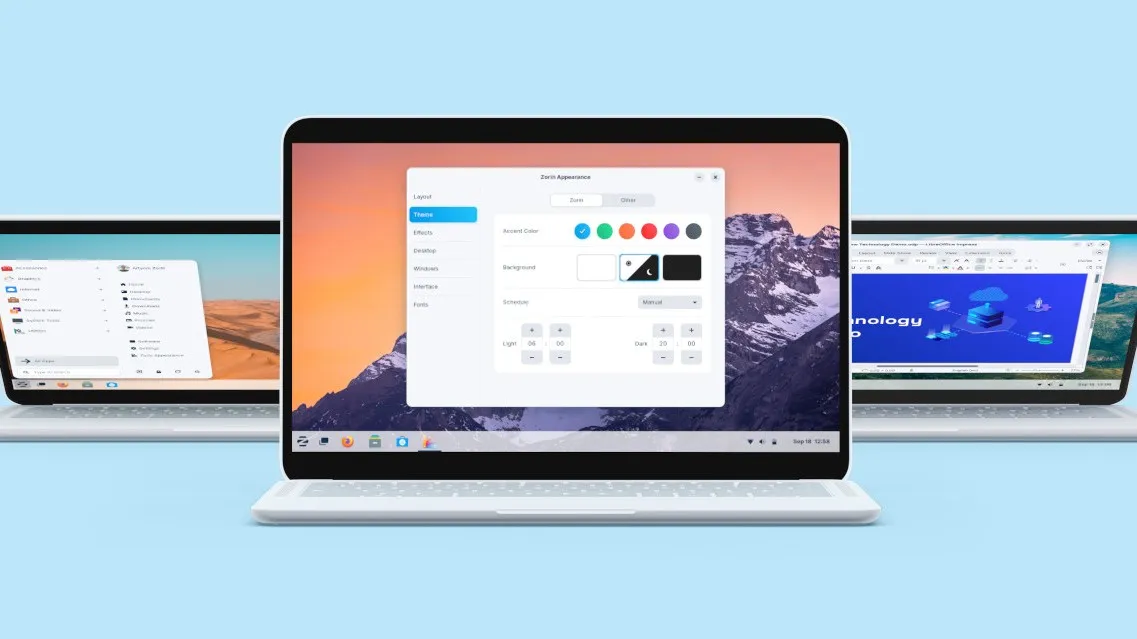
Zorin OS vs Linux Mint — compared on interface, performance, app support, and ease of use for Windows switchers. Which Linux distro should you choose in 2026?

Your Windows game library isn't left behind when you switch to Zorin OS. Here's how to use Steam, Heroic, and Lutris to play almost anything.

Zorin Connect syncs your phone and PC wirelessly — share files, mirror notifications, sync your clipboard, and use your phone as a remote. Here's how.

Find your perfect Linux distro in 2026. We compare the best options for gaming, productivity, and development — so you can switch with confidence.

These 3 Linux distros are so easy, anyone can use them — including total beginners. Perfect if you want a Windows alternative without the learning curve.

Customize Zorin OS for maximum productivity — tweak the desktop layout, workflows, and tools to match the way you work. No terminal required.