
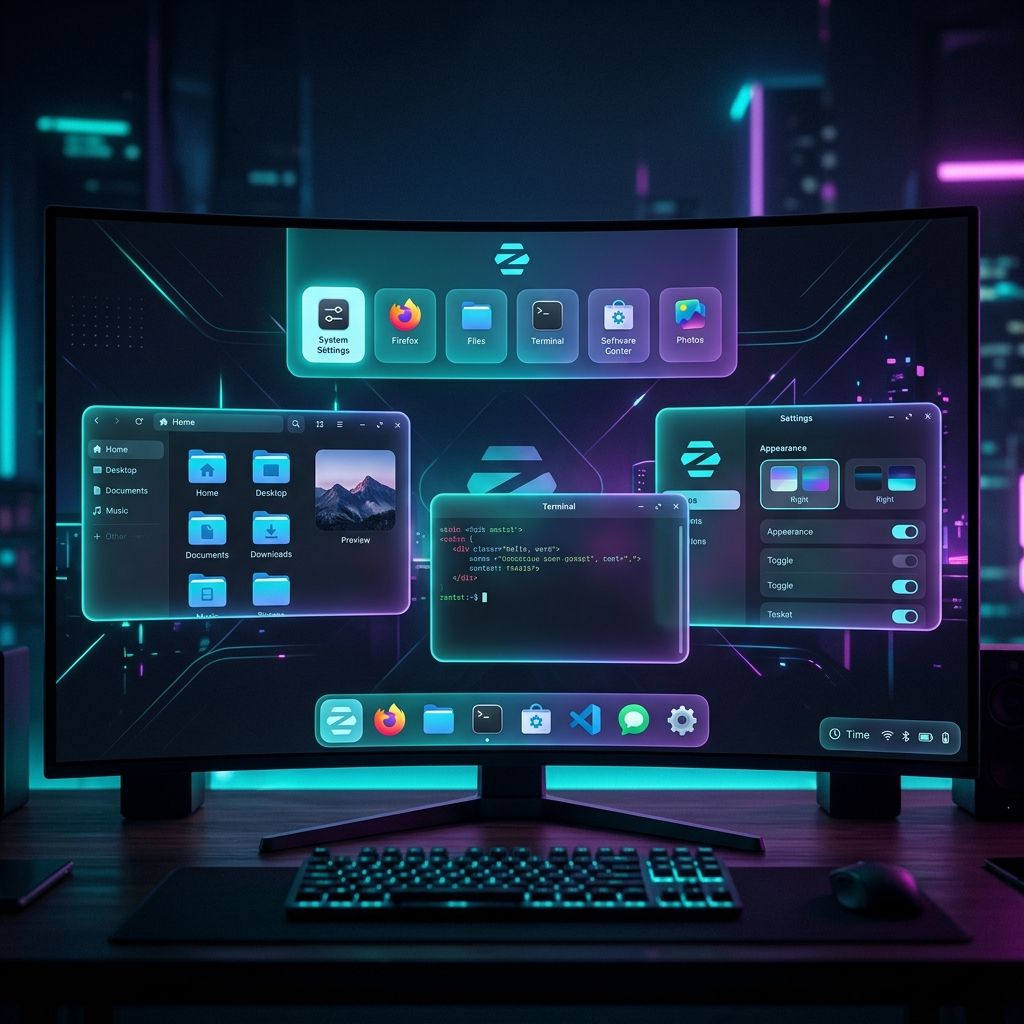
Zorin OS has come a long way. Each major release has raised the bar for what a user-friendly Linux desktop can look and feel like. With Zorin OS 18.1 now available and over 3.3 million downloads to its name, all eyes are naturally turning toward what’s next.
Zorin OS 19 hasn’t been announced yet, but that hasn’t stopped the community from dreaming. Here’s our wishlist of features we’d love to see in the next major release — things that would make Zorin OS even more compelling for newcomers, professionals, and long-time Linux fans alike.
1. A Built-In System Backup & Restore Tool
This is arguably the most requested feature from everyday Zorin OS users. Windows has its built-in backup utility. macOS has Time Machine. Linux has excellent third-party tools like Timeshift and Déjà Dup — but neither is prominently surfaced or pre-configured out of the box on Zorin OS.
A first-class, Zorin-branded backup solution — something like “Zorin Backup” — integrated directly into the Settings app would be transformative. Ideally it would:
- Schedule automatic system snapshots
- Back up to an external drive, a network location, or a cloud service
- Allow one-click restoration from a previous snapshot
- Be entirely GUI-driven with zero terminal required
For users migrating from Windows or macOS, the absence of a familiar, obvious backup tool is a real gap. Filling it would make Zorin OS feel truly complete as a desktop OS for everyday people.
2. Deeper Phone Integration Beyond Zorin Connect
Zorin Connect (powered by KDE Connect) is already a fantastic tool for linking your Android phone to your PC. But it requires manual setup, installing a companion app on Android, and pairing over Wi-Fi. For many users — especially those coming from Windows with Microsoft Phone Link or macOS with Handoff — it still feels like an enthusiast feature rather than a built-in experience.
For Zorin OS 19, we’d love to see:
- First-run pairing wizard — prompt users to connect their phone during or just after the initial OS setup
- iPhone support — even basic notifications and clipboard sync via a dedicated bridge
- Tighter desktop integration — phone battery level and connectivity status visible directly in the panel tray
Apple and Microsoft have shown that seamless phone-to-PC continuity is one of the most-loved features of their ecosystems. Zorin OS 19 could close that gap significantly.
3. Wayland as the Default Display Server
For the past few years, Zorin OS has shipped with X11 as its default display server. X11 is battle-tested and broadly compatible, but it’s also decades old — and Wayland, its modern replacement, has matured enormously.
Running Wayland by default would bring real benefits to users:
- Better HiDPI and fractional scaling — text and UI elements are crisp and correctly sized on high-resolution displays, including mixed-DPI multi-monitor setups
- Improved touchpad gestures — especially relevant as laptops become the primary machine for many Zorin OS users
- Better security — Wayland’s isolation model prevents applications from spying on each other’s input
- Smoother performance — reduced screen tearing and lower latency on modern hardware
Ubuntu 24.04 LTS already defaults to Wayland. Fedora has been Wayland-first for years. Zorin OS 19 would be the ideal release to make this transition, with X11 kept as a fallback option at the login screen for users who need it.
4. Improved Out-of-the-Box Gaming Support
Zorin OS 18.1 already includes impressive Windows app compatibility and the ability to install Steam from the Software Store. But setting up a full gaming environment still requires a few manual steps — installing Lutris, configuring GPU drivers, enabling Steam Play — that many newcomers simply won’t know to take.
Zorin OS 19 could make gaming truly effortless:
- Gaming Mode — a dedicated, one-click toggle in settings that enables Steam Play (Proton), installs GameMode, and sets GPU performance profiles
- Bundled game launchers — offer Heroic Games Launcher (for GOG and Epic games) and Lutris alongside Steam in a featured “Gaming” section of the Software Store
- GPU driver wizard — automatically detect the installed GPU and recommend the correct open-source or proprietary driver during setup
- ProtonDB integration — show compatibility ratings for Windows games directly in the Software Store
With Steam Deck proving that Linux gaming is mainstream-ready, Zorin OS 19 is well-positioned to be the go-to Linux distro for PC gamers who want a traditional desktop experience.
5. A Refreshed Software Store with Curated Collections
The current Zorin OS Software Store works well, but it can feel overwhelming to new users — especially those who aren’t sure what the difference between a Snap, Flatpak, and native .deb package is.
For Zorin OS 19, a refreshed store experience could include:
- Curated collections — “Best apps for students,” “Creative tools,” “Developer essentials,” “Gaming setup,” etc., each with trusted, hand-picked recommendations
- Smart package selection — automatically choose the best package format (Flatpak for isolation, native
.debfor performance) without exposing that complexity to the user - Ratings and reviews — pull from community sources so users can gauge app quality before installing
- Windows app equivalents — more prominently surface the “best alternative to X” recommendations that Zorin OS 18.1 introduced when detecting Windows installers
The Mac App Store and Microsoft Store have shown that a curated, beautiful app store dramatically lowers the barrier for new users. Zorin OS’s Software Store has all the ingredients — it just needs a polish pass.
6. A Zorin Account for Sync and Personalization
One feature missing from every Zorin OS release so far is an optional cloud account — a “Zorin Account” — that lets you save and restore your settings across devices or after reinstalling.
This would be entirely opt-in, privacy-respecting, and focused on:
- Settings sync — desktop layout, wallpaper, font preferences, keyboard shortcuts
- App list sync — reinstall your apps automatically after a fresh install
- Zorin Connect pairing memory — automatically re-pair your phone after reinstalling
GNOME already has a rudimentary online accounts system, and Fedora has demonstrated how a first-party account can enhance the user experience without compromising privacy. Zorin OS 19 could build something that feels native and trustworthy.
Conclusion: The Best Is Yet to Come
Every Zorin OS release has meaningfully raised the quality bar for accessible Linux desktops. The features on this wishlist aren’t wishful thinking — they’re natural evolutions of the direction Zorin Group has been heading.
Whether Zorin OS 19 arrives next year or the year after, one thing is certain: the Zorin team has shown time and again that they listen to their users and care deeply about the details. Whatever form the next major release takes, the Linux community will be watching — and excited.
What’s on your Zorin OS 19 wishlist? Share your ideas with the community in the Zorin OS Forum.
Not yet on Zorin OS? See what the fuss is about — Zorin OS 18 was a landmark release, and Zorin OS 18.1 added even more polish. Ready to try it yourself? Our step-by-step installation guide makes the whole process easy.